What normal maintenance includes
In day-to-day life the device may need checking, updating, or access recovery. Good maintenance always starts with understanding the current state before making a strong intervention.
- confirm that the web interface still opens and values are readable;
- check that important devices remain reachable;
- inspect logs when there are signs of instability;
- before major changes, understand how to recover if the change goes badly.
When a normal reboot is enough
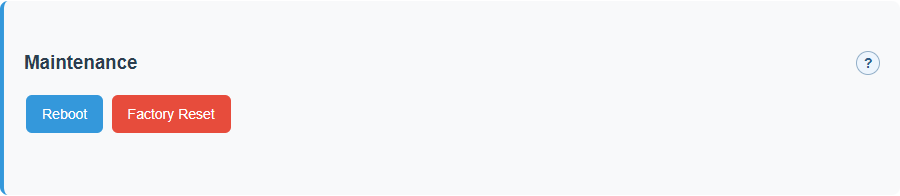
A reboot is a normal action when settings require controlled restart or when the system needs a proper restart after maintenance work.
But reboot should not become the universal answer to every unclear issue. First the user should understand what problem is actually being addressed.
Why controlled reboot exists
Some settings cannot be applied safely while the system is still running in place. In such cases the gateway first saves the new configuration and then restarts in a controlled way.
For the user this means one important thing: if the system asks for a restart, that is not necessarily a failure. It may simply be the correct way to apply the setting.
Recovery and factory reset are not the same
These actions may look similar from the outside, but in practice they have very different meaning and impact.
flowchart TD
    A[The user holds the button] --> B{How long?}
    B -- More than 7 seconds --> C[Soft recovery]
    B -- 30 seconds or more --> D[Full factory reset]
    C --> E[Access and some service data
are cleared]
    D --> F[Configuration is erased
and storage is formatted]
What the button hold does
The recovery button is for local recovery when normal login or ordinary setup is unavailable. Do not treat it as a generic restart button: different hold windows trigger different actions.
| Hold time | Action | What is cleared | Use when |
|---|---|---|---|
| More than 7 seconds and less than 30 seconds | Soft recovery | Web access, Wi-Fi, tokens, pairing URL/state, and UMEC platform state are reset. SPIFFS is not formatted. | Access is lost or platform onboarding must be repeated without destroying the whole configuration. |
| 30 seconds or more | Full factory reset | All settings are cleared and SPIFFS is formatted. | The device must return to a near-clean state and data has already been saved or is no longer needed. |
After soft recovery, put the device back into the required operating mode. For UMEC Space,
verify UMEC_SPACE mode, repeat mobile app pairing
through UMEC Home or UMEC Business,
and confirm in UMEC Space Dashboard that the gateway is visible to the customer again.
What soft recovery really means
Soft recovery is mainly for situations where access has been lost and the device needs to be brought back into a controlled state without destroying everything inside.
It is a service tool, not a magic repair button.
When factory reset is justified
Factory reset is a much heavier action. It should be used when the device truly needs to be cleared and set up again from a near-clean state.
If a less destructive option can solve the problem, that option should usually be tried first.
How to think about files and Storage
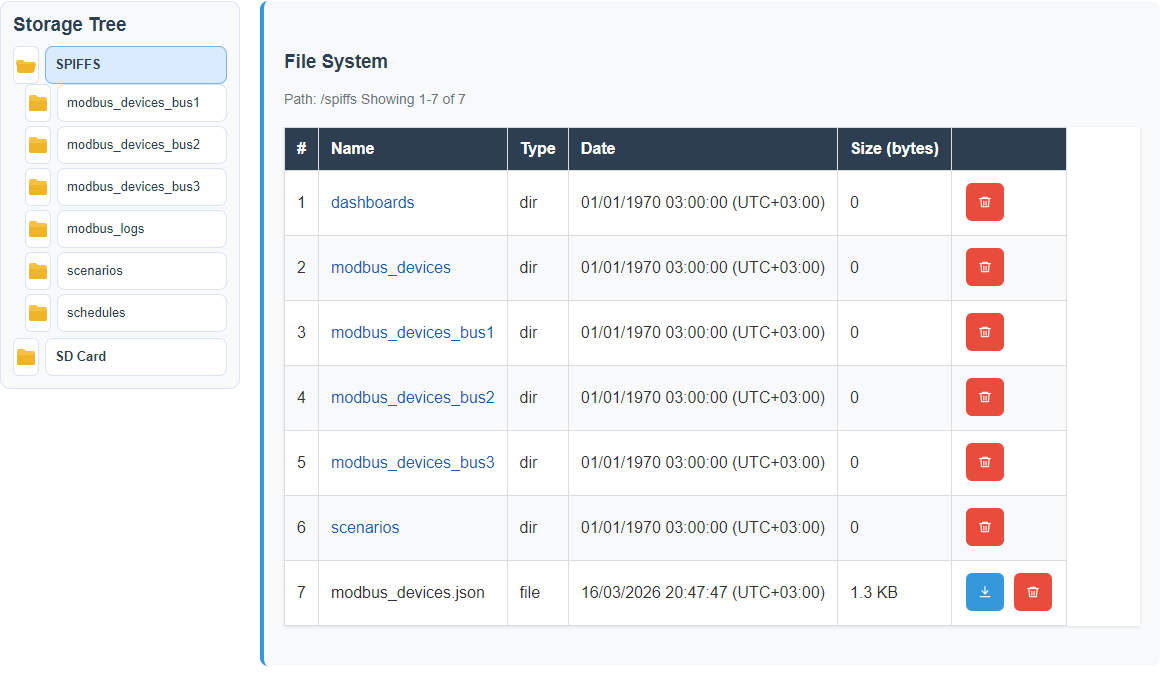
Even though the device has internal storage, it should not be treated as the main administrative interface. The normal path is to work through the intended pages and supported actions.
Storage is useful for exporting files, obtaining logs, and seeing what the device really contains, but it should not become the main place for everyday manual administration.
When the problem should be escalated
- If the device no longer boots reliably.
- If configuration is repeatedly lost without a clear reason.
- If communication with field devices cannot be restored after normal line checks.
- If the same issue keeps returning despite standard service actions.
What good maintenance looks like
Understanding
First understand what happened, then act.
Care
Do not jump to factory reset where a smaller and safer action is enough.
Predictability
Every action should have a known purpose and a known consequence.
Service examples
These examples show which actions are routine, which are disruptive, and which require extra caution.
Maintenance settings
Storage before intervention
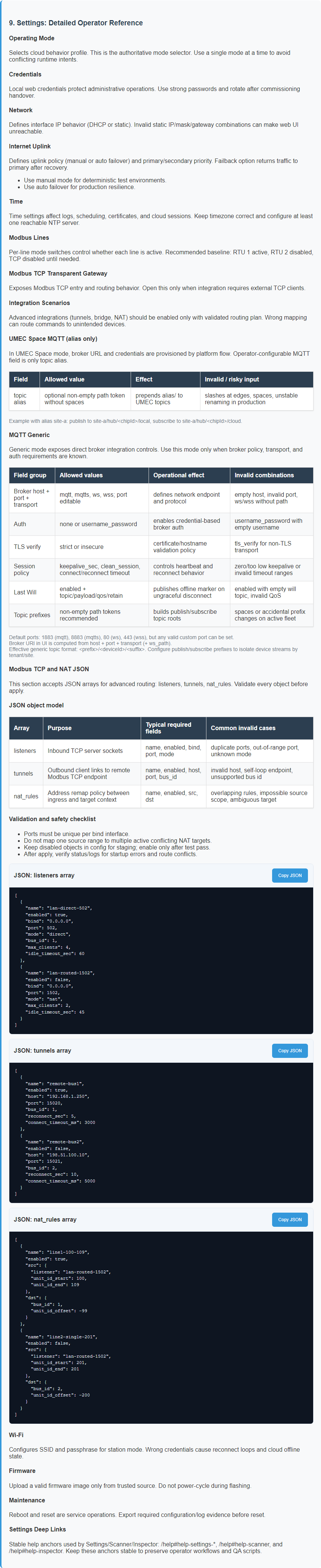
Embedded help for service actions
Related reference pages
- UI Reference for screen meanings and system-state cues.
- Template Formats for file and payload structure context.
- Diagnostics for fault investigation before service actions.